

Most articles about the online menu teach you how to build it and how to pick a platform. Almost none answer the question burger restaurant owners actually ask: what goes first on the customer's phone screen? The order of your categories decides whether the order goes through fast or the customer gets lost scrolling.
In this article you will see a category order designed for burger restaurants, the logic behind each position, how to use Best Sellers to decide what moves up, and what to avoid. Nothing here depends on specific software: you can apply it to the menu you already have.
Key takeaways
- Customers decide the main item first (the burger) and only then the extras; your menu order should follow that sequence.
- The confirmed order for a burger restaurant is: Daily Deals, Best Sellers, What's New, Combos, Burgers, Sides, Desserts and Drinks.
- Sauces and add-ons go on the second page, not on the main page.
- Best Sellers holds at most 5 or 6 items and can only include what truly sells.
- Fewer clicks mean more sales; the menu also has to look good, with photos and descriptions that back up the product.
Why does category order matter so much?
Because the menu is where the sale happens. Instagram attracts and the ad earns the click, but it is on the menu that the customer decides to order or leave. The menu has to give the impression that the product is good, through its look, structure and experience.
There is a simple rule behind this: fewer clicks, more sales. The longer customers spend searching for what they want, the lower the chance the order gets completed.
What is the best category order for a burger restaurant's online menu?
The order Idea recommends for burger restaurants, confirmed by Ramon Oliveira, is this:
- Daily Deals (Monday to Thursday)
- Best Sellers (5 to 6 items)
- What's New
- Combos (single, double and family)
- Burgers
- Sides
- Desserts
- Drinks
The general logic is the same as for any delivery menu: customers decide the main item first and the extras afterward. That is why the burger and the combo come before sides, desserts and drinks.
Daily Deals: why only Monday to Thursday?
This is the space for boosting your slowest days. From Monday to Thursday, the deal sits at the top and gives customers a reason to order. On the busiest days, that top spot can go to Best Sellers.
What's New: what goes here?
New items and seasonal promotions. The category also works as a spotlight for launches and for high-margin products you want to push.
Combos or burgers: which to show first?
Combos first. At a burger restaurant, the combo (single, double or family) works as an entry point, so it moves up early, ahead of the standalone burgers. Customers who want to settle their order in one go find a ready-made option right away.
Standalone burgers remain the main category right after. If your restaurant offers more than one style, such as gourmet and smash, each style can become its own category. Within each one, the best seller sits at the top.
Where should sides, drinks and desserts go?
After the burger, in this order: sides, desserts and drinks. Customers have already chosen the main item and are now rounding out the order. Putting these items before the burger only slows down the decision.
Keep in mind that a dine-in menu and a delivery menu tend to be different. Some products don't travel well or are better served in the dining room. And combos and deals exclusive to your own menu help attract customers to order only through that channel.
How do you use Best Sellers to define the order?
Best Sellers is a decision anchor: it helps undecided customers choose. There are only a few rules:
- Up to 5 or 6 items, mixing combos and standalone burgers.
- Only the items that truly sell the most make the list; authenticity builds trust.
- The list should be pulled again every 90 days, using real sales data.
This is also your validation method. Instead of deciding the order by gut feeling, look at real sales: the best-selling burger moves to the top of its category, and the Best Sellers list is rebuilt every 90 days. If an item has dropped off the list, it no longer takes up the featured spot.
How do you organize add-ons and sauces without confusing the customer?
By taking them off the main page. Sauces and add-ons go on the second page, which the customer sees after choosing the burger. The recommended sequence is:
- Patty doneness
- Extra patty
- 3 to 5 popular add-ons
- "Boost your order," with fries and a soft drink at a discount
- Sauces
- Two desserts
Keep this page lean. It exists to increase the order without getting in the way of those who just want to check out.
How many categories and items should a burger restaurant menu have?
There is no fixed number. The number of categories and items varies from one business to another. What works as a rule is order and clarity: each category needs a reason to exist, and Best Sellers never goes beyond 5 or 6 items.
How do you describe and show burgers so the menu looks good?
A good product has to look good. The order leads the customer to the burger, but it is the photo and the description that close the sale. The description should be short, direct and appetizing, in simple language, highlighting what sets the flavor or texture apart. It is not a spec sheet.
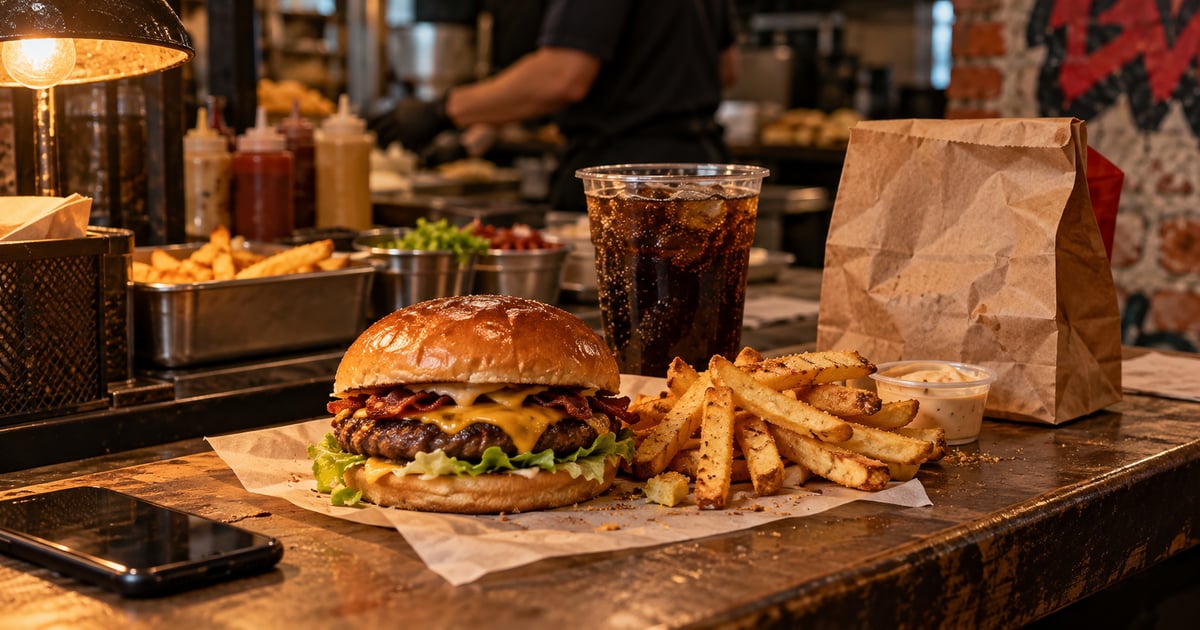
An example: "Gourmet burger 180g (about 6.3 oz), melted cheddar cheese and crispy bacon on a brioche bun." And the description must support what the image shows.
Which organization mistakes hurt ordering the most?
- Starting the menu with extras (drinks, sides) before the burger.
- Filling Best Sellers with items that are not actually the best sellers.
- Forgetting to rebuild the Best Sellers list every 90 days.
- Leaving sauces and add-ons on the main page, increasing scrolling.
- Mixing different burger styles in the same category, when each style could have its own.
- Using spec-sheet descriptions or ones that don't match the photo.
What should you do first?
- Reorder the categories in this sequence: Daily Deals, Best Sellers, What's New, Combos, Burgers, Sides, Desserts and Drinks.
- Pull your sales data and rebuild the Best Sellers list with 5 or 6 items.
- Move sauces and add-ons to the second page, in the order shown.
- Review the photos and descriptions of your top-selling burgers.
If you want help structuring your menu and the rest of your sales operation, Idea works with delivery: More customers coming in. More customers coming back. Your delivery growing. Talk to us about your case.
Frequently asked questions
What should be the first category on a burger restaurant's menu?
Daily Deals, recommended for Monday to Thursday, the slowest days. Best Sellers come right after.
Should combos come before standalone burgers?
Yes. In the confirmed order for burger restaurants, combos work as an entry point and move up early, ahead of the Burgers category.
Can I have a category for each burger style?
You can. If there is more than one style, such as gourmet and smash, each can be its own category, with the best seller at the top.
How many items go in Best Sellers?
From 5 to 6 items, mixing combos and standalone burgers, and only those that truly sell the most. The list should be updated every 90 days.
Where do sauces and add-ons go?
On the second page of the menu, not on the main one. The order is patty doneness, extra patty, popular add-ons, "Boost your order," sauces and two desserts.
Is there an ideal number of categories?
There is no fixed rule. The number varies from client to client, and what matters is following the logic of deciding the main item first and the extras afterward.
Read also: Como organizar o cardápio digital da pizzaria: a ordem das categorias que vende mais.
Want to know where your delivery business can grow?
Tell us a little about your operation. Idea analyzes your situation and talks with you about a realistic priority.
Analyze my delivery business