
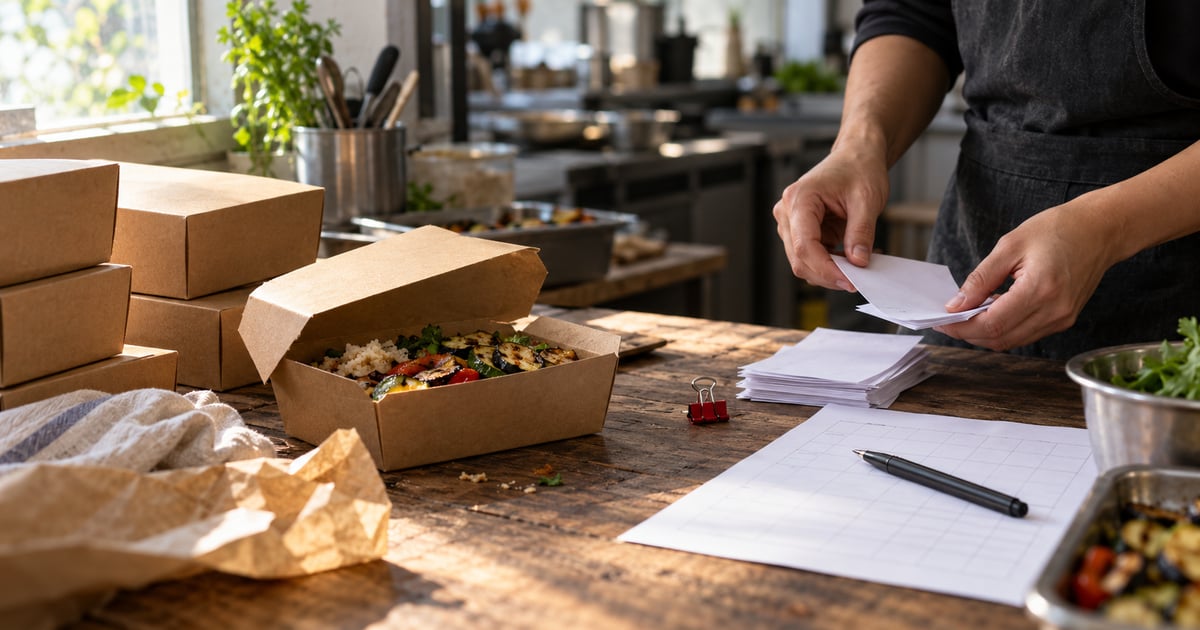

You invest to bring customers in, they order once and disappear. The following week, your delivery business depends on new ads again to repeat the same cycle. Most of the time, the problem isn't a lack of customers: it's a lack of memory. Nobody knows who ordered, when they ordered, or what they liked.
In this article, you'll see how to build that memory starting with a simple spreadsheet: what to record for each customer, how the database is born at checkout, how to use it to bring customers back without overloading WhatsApp, and when it's worth moving to a CRM tool.
Key takeaways
- CRM is your delivery's commercial memory: who the customer is, when they ordered, how much they spent, and what they prefer.
- A spreadsheet with name, phone, last order, order value, favorite product, and status is enough to get started.
- The database is born at checkout, asking only for the essentials.
- The 15, 30, and 60-day routine organizes reactivation without sending too many messages.
- When the spreadsheet starts getting in the way of your routine, tools with RFM and automated messaging campaigns become worth it.
Can you use a spreadsheet as a delivery CRM?
Yes, and it's the best way to start. CRM isn't software: it's the habit of keeping and using customer information. The spreadsheet is just the place where it lives at first.
In practice, traffic brings the customer in and CRM makes them come back. Without records, every order is an isolated sale. With records, you know who your most loyal customers are, who hasn't ordered in 15 or 30 days, what sells the most, and how much each customer represents for your cash flow.
Which columns does a delivery customer spreadsheet need?
The basics are six columns, and anything beyond that should only be added if you will really use it.
- Name: to personalize the message.
- Phone: the contact channel, already including the area code.
- Date of last order: this tells you how many days it has been since the customer came back.
- Value of last order: shows how much the customer spends, and the average order value comes from it.
- Favorite product: the item they order most, so the offer makes sense.
- Status: the stage the customer is in (see the section on segmentation).
If you want to add a seventh column, birthday is the most useful, because it opens up a campaign you can repeat every year. But only ask for this information if you're going to use it.
How the database is born: collecting data at checkout and other channels
The database starts at the checkout of your online menu, asking for name and phone. Every order that comes in already leaves the customer ready to be recorded, without anyone having to ask.
When orders come in through other paths, such as WhatsApp or the counter, the principle is the same: write down the name and phone at the moment of the order, and the date and value when you close it. The closer to the sale you record, the less data gets lost.
A warning: the more fields you force the customer to fill in, the more orders slip away. Ask for the minimum needed to make the sale and complete the rest with the history of the orders themselves.
How do you separate new, loyal, and inactive customers in the spreadsheet?
Use the status column and the date of the last order. A simple way to organize:
- New: placed their first order and hasn't come back yet.
- Active: ordered recently, within the last 15 days.
- At risk: it has been 15 days or more since their last order.
- Inactive: it has been 30 days or more since their last order; from 60 days on, the case calls for a stronger offer.
- Loyal: the customer who orders often and with good value. Mark these with care: they are the ones who sustain your revenue the most.
It's the same logic that CRM tools call RFM: recency (when they last bought), frequency (how many times they buy), and monetary value (how much they spend, the average order value). In the spreadsheet, you do it by hand; in an app, it classifies automatically.
How do you use the spreadsheet to reactivate customers?
Use the 15, 30, and 60-day rule after the last order, with a different message for each stage.
- 15 days: a "we miss you" message, no discount. Remind the customer that you exist.
- 30 days: an incentive coupon to bring them back.
- 60 days: a strong offer or an invitation to try something new on the menu.
Personalize with the name and favorite product. "Hi, Carla, it's been a while since you ordered your combo" works better than the same text for everyone.
Beyond reactivation, you can create birthday messaging campaigns, seasonal ones (like a "Double Combo Wednesday"), and feedback messages after the sale. You can also ask for a Google review or a satisfaction score by message.
How not to overload WhatsApp
More messages don't mean more sales. Sending too many, especially to inactive customers, increases the risk of your number being blocked and annoys people who already liked you. A few rules:
- Don't send to your entire database at once.
- Change the message text from time to time.
- Don't create a new number and immediately start sending in large volume: the number needs to be "warmed up" gradually.
- Offer customers a simple way to leave the list (opt-out) and respect the request.
How do you comply with Brazil's LGPD when storing phone numbers and sending promotions?
The LGPD is Brazil's general data protection law. Treat name and phone number as customer data that you need to take care of. Let buyers know their contact may be used for messages from the delivery business, keep the spreadsheet in a place with restricted access, and stop sending as soon as the customer asks.
For the complete rules, consult the official source: Brazil's National Data Protection Authority (ANPD), part of the federal government. If you have doubts about your case, it's worth talking to a legal professional.
What weekly routine keeps the database up to date?
Set aside a fixed time each week and always follow the same sequence:
- Enter the new orders: phone, date, value, and product.
- Update each customer's status according to the days without ordering.
- Filter those who have reached 15, 30, or 60 days and send the matching message, in small batches.
- Check how many replied and ordered again.
- Look at the birthdays for the following week.
Over time, track three numbers: order-to-order retention (how many first-time customers made a second order), database growth, and the ratio of new to repeat customers, month by month.
When is it time to leave the spreadsheet and adopt a CRM?
When the spreadsheet starts taking time that should go to operations, or when you need something it doesn't deliver well. Practical signs:
- Updating statuses and separating who has gone 15, 30, or 60 days without ordering has become too much work.
- You want to classify by RFM without doing the math by hand.
- You need segmented messaging campaigns, metrics per campaign, or NPS surveys.
- You want a dashboard to see retention without building formulas.
There are CRM apps built for delivery, such as Repediu, Retorne, and Dishstack. Tools of this kind, like Repediu and Retorne, identify inactive customers, classify them by RFM, run segmented messaging campaigns, and show metrics. Before signing up for any of them, confirm that it delivers what you need and fits the way you sell.
Another benefit of having an organized database: you can use your list of inactive customers to create custom audiences on Meta and combine CRM with traffic.
Common mistakes
- Asking for too much data at checkout and losing orders.
- Keeping contacts and never using them.
- Sending the same message, on the same day, to the entire database.
- Starting to send from a new number without warming it up.
- Ignoring the request of someone who no longer wants to receive messages.
- Buying a tool before having the habit of looking at the database.
Practical wrap-up
- Create a spreadsheet today with name, phone, last order, order value, favorite product, and status.
- Make sure your checkout asks for name and phone.
- Apply the 15, 30, and 60-day routine, in small batches.
- Set aside a weekly time to update the database.
- Move to a CRM app when the spreadsheet becomes a bottleneck.
More customers coming in. More customers coming back. Your delivery growing. If you want to structure your customer database and connect CRM to paid traffic, Idea Digital Marketing can help. Get in touch and tell us how your operation looks today.
Frequently asked questions
What is CRM for delivery?
It's your delivery's commercial memory: each customer's name, phone, purchase frequency, average order value, and preferences. With it, you know who your most loyal customers are, who has disappeared, and what sells the most.
Can I start a delivery CRM with just a spreadsheet?
Yes. A spreadsheet with name, phone, last order, order value, favorite product, and status is enough to get started. Tools like Repediu and Retorne can automate the process later.
When should I message a customer who stopped ordering?
A simple routine is a "we miss you" message 15 days after the last order, an incentive coupon at 30 days, and a strong offer or an invitation to try something new at 60 days. Personalize with name and favorite product.
Can sending too many messages on WhatsApp cause problems?
Yes. Many messages to inactive customers increase the risk of your number being blocked. That's why you should send in small batches, refresh the texts from time to time, and let customers leave the list whenever they want.
What is RFM?
It's a way of classifying customers by recency (when they last bought), frequency (how many times they buy), and monetary value (average order value). CRM tools do this automatically; in a spreadsheet, you do it manually.
Which numbers should I track after building the database?
Track order-to-order retention (how many first-time customers made a second order), database growth, and the ratio of new to repeat customers, month by month.
Read also: Como fazer cliente de delivery voltar a pedir: reativação por WhatsApp em 15, 30 e 60 dias · Como montar o Instagram de delivery: nome, bio e link que levam ao pedido.
Want to know where your delivery business can grow?
Tell us a little about your operation. Idea analyzes your situation and talks with you about a realistic priority.
Analyze my delivery business